Design
Design System: Learn What It Is and Practical Examples
The design system is an organized set of standards, criteria, elements, and best practices that guide the creation and evolution of digital products.
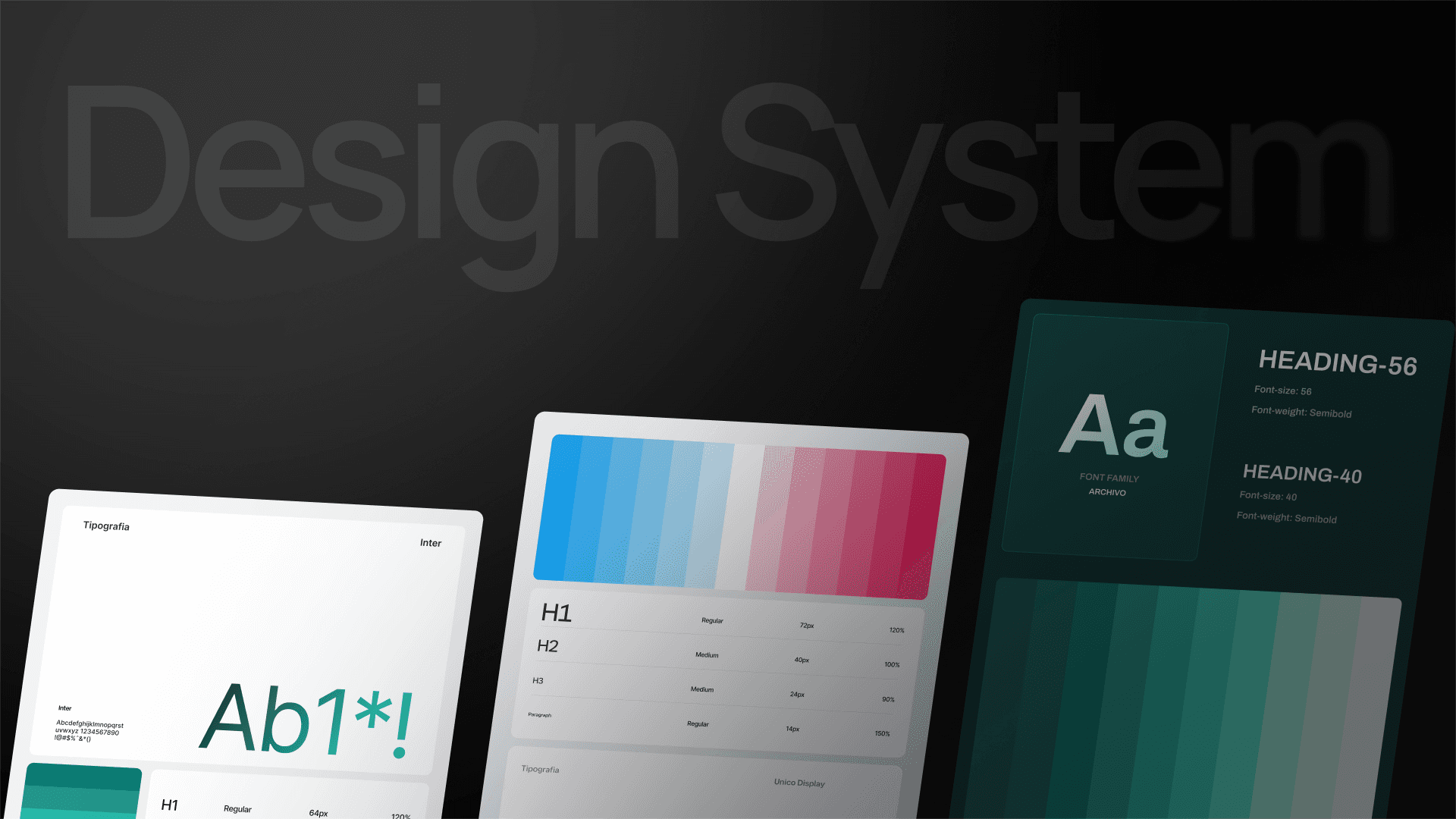
Learn What a Design System Is and Practical Examples
The design system acts as an ecosystem of guidelines, elements, and visual patterns that guide the creation and evolution of digital products in a consistent manner.
This set of rules helps centralize design and development decisions, ensuring that interfaces, experiences, and communications share the same logic, regardless of the team and platform adopted.
Read our article and understand what a design system is, its main advantages, development phases, and how to create one!
What is a Design System?
A design system is an organized set of patterns, criteria, elements, and best practices that guide the creation and evolution of digital products, serving as a foundation for designers, developers, and product teams.
This document is important to ensure visual, functional, and experiential consistency across all touchpoints of a company.
Practically, this structure establishes the interface of a digital product, including components such as:
typography;
spacing;
colors;
icons;
grids;
buttons;
forms;
usage guidelines;
interactive behaviors.
The design system allows professionals to work from a validated visual standard.
Design System, Style Guide, and Pattern Library
The difference between Design System, Style Guide, and Pattern Library lies in the scope of each.
The design system presents a broader proposal, bringing together principles, criteria, components, interface patterns, and technical guidelines, serving as a central system that guides the creation and evolution of digital products.
In the case of the style guide, it operates in the visual domain and brand identity, establishing components like colors, typography, spacing, and application rules without using reusable technical guidelines.
Meanwhile, the pattern library is a collection of interface elements and patterns ready for use, including buttons, forms, and layout structures, serving as a guide for professionals involved in the project.
In summary, the design system encompasses the style guide and also the pattern library, connecting strategy, design, and development.
What Are the Main Elements of a Design System?
A design system does not refer only to a set of rules and standards; it combines several fundamental components to promote efficiency, consistency, and quality in creating digital products.
Among them, we can mention the following:
Design Tokens: basic style blocks that determine elements such as colors, typography, spacing, and other visual resources to be applied across all components and platforms.
Component Library: elements that can be reused, such as forms, menus, buttons, and cards, serving as ready-made pieces to develop interfaces.
Patterns and Templates: usage models that combine different resources to solve common interface issues, such as navigation or search patterns.
Style Guide: records the ways of applying standards and visual styles, such as layout, typography, color rules, and icons. The goal is to ensure that the brand's visual identity remains the same across all products.
Usage Guidelines: a manual that details how and when to use elements, tokens, patterns, and principles, serving as a reference for designers, developers, and other professionals.
Design Principles: rules that guide important decisions, such as key values that the system should reflect, like clarity, simplicity, and accessibility. This helps maintain a standard even in different contexts.
What Are the Advantages of a Design System for Companies?
A design system is a set of guidelines that ensures a series of benefits for brands, which are as follows:
Visual Consistency: these rules ensure that all products and screens adopt the same visual and interaction standards, maintaining the brand identity.
Scalability and Growth: the design system allows for scaling processes without losing consistency and quality, ensuring that everything remains aligned even in the face of company growth.
Improves User Experience: well-developed interfaces are intuitive and pleasant for users, potentially enhancing satisfaction and retention with the product.
Saves Time and Resources: with ready-made elements and established standards, professionals do not need to reinvent resources for each project, reducing rework and saving time and costs.
Improves Collaboration Among Teams: the design system is used as a common language among the professionals involved in the project, which facilitates communication and understanding of how interfaces should be developed.
Facilitates the Onboarding of New Professionals: with centralized rules and documentation, new collaborators can easily understand usage standards.
What Are the Tools to Create and Maintain a Design System?
To create and maintain a design system, professionals can use a combination of tools, each with a specific function:
Design Tools
Figma;
Sketch;
Adobe XD.
They help create reusable components, styles, and visual libraries.
Documentation Tools
Zeroheight;
GitBook.
They serve to organize rules, standards, and best practices of the design system.
Development Tools
Storybook.
They allow keeping components aligned between design and code.
Collaborative Tools
Miro;
FigJam.
They assist in the alignment process among teams.
Examples of Design Systems in Practice
To understand how a design system works in practice, we list below some practical examples used by major companies to ensure consistency and quality in their digital interfaces. Check it out:
Google Material Design
Material Design is one of the most popular design systems in the world. Built by Google, it brings a set of visual and interaction rules and guidelines, elements, and styles that assist in creating interfaces across different platforms, including web, Android, iOS, etc.
Google Material Design also guides the correct use of colors, typography, shadows, spacing, and animations, providing intuitive and harmonious experiences.
Adobe Spectrum
The Adobe Spectrum is the design system of Adobe that combines interfaces and experiences across different products of the brand.
This document brings reusable elements, style guides, UI kits, fonts, and icons, as well as criteria to make the company's applications more coherent and accessible.
We can also mention other well-known examples, such as the design systems of Apple Human Interface Guidelines, Shopify Polaris, Salesforce Lightning, and IBM Carbon.
All these systems feature component libraries, patterns, and documentation for development and design teams.
How to Create a Design System?
To create a design system, there are some important creation phases that must be strictly followed.
In general, these stages follow a structured process that enables transforming ideas into a coherent and functional system. Check it out:
Research and Planning
The first step is to understand the context, such as mapping what already exists in the product, identifying design inconsistencies, and talking to the professionals involved, such as designers, developers, and managers.
The goal is to identify the challenges and needs, as well as to establish the goals of the design system.
Visual Identity
With the information in hand, it's now necessary to create or consolidate the visual identity that the design system should follow.
This phase involves defining typography palette, colors, spacing, icons, and other visual resources that need to reflect the brand and guide the interfaces.
User Interface Components
After defining the visual identity, the next step is to create a library of elements, such as forms, buttons, cards, and menus with predefined patterns, to assist in creating interfaces more quickly.
Documentation
This process requires documenting all created resources, from usage rules for components to examples, parameters, and clear guidelines so that professionals know how to use the system appropriately.
Testing and Iteration
The design system is a flexible approach and thus should be tested and adjusted based on real usage.
During this stage, elements and rules are validated with teams and users to ensure usability, accessibility, and efficiency. This care is essential for continuously improving the system.
Implementation
During implementation, the design system is integrated into the professionals' workflow. This phase should involve guidance on usability, as well as integrating the new system into the product development process.
Remember to keep the design system always updated according to new needs.
These stages, when performed in a structured way, ensure that the design system is not merely a document but plays a functional, practical, and useful role for the entire team.
Conclusion
In an increasingly digital world, the design system becomes a strategic asset for organizations seeking growth with consistency, efficiency, and quality.
By adopting visual standards, elements, documentation, and principles, this system is capable of reducing rework and ensuring more coherent experiences for the end user.
If you wish to structure or enhance your digital products with efficiency and quality, count on the specialized support of MDN Digital.
Our Marketing and Technology consultancy combines design, technology, and strategy to create consistent visual identities and systems that accompany the growth and evolution of the business.
Visit our website and get to know MDN Digital!


