Design
Webflow: Learn What It Is, What It’s For, and How to Use It
Webflow is an online tool that lets you create websites visually using an intuitive drag-and-drop editor.
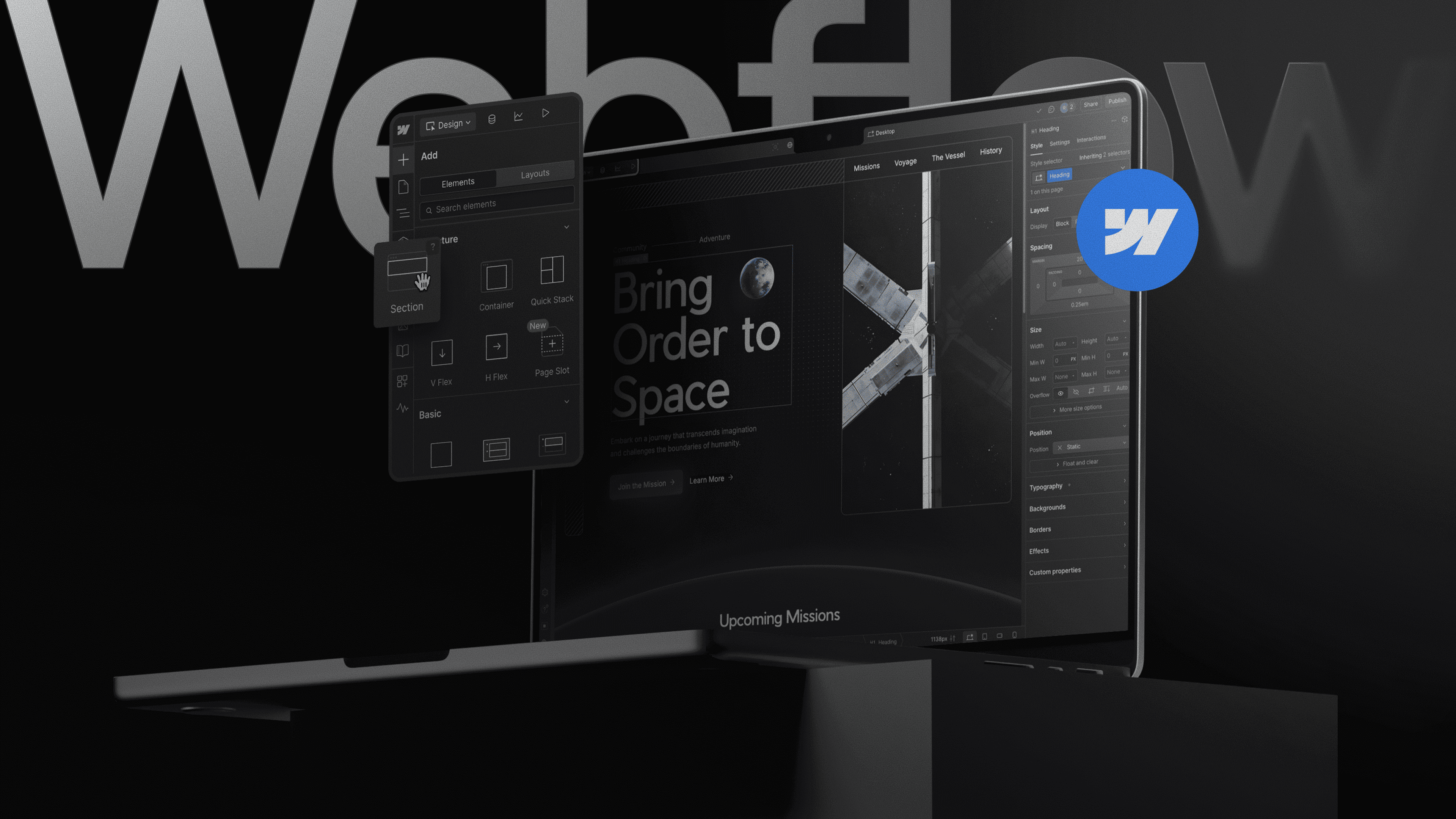
Learn What Webflow Is, What It Is For, and How to Use It
Webflow is a platform that makes it easier to create websites visually, enabling designers, developers, and even beginners to build professional pages without having to code manually.
With an intuitive interface and advanced features, this tool brings together design, development, and content management in a single environment, ensuring agility, autonomy, and the ability to develop professional websites.
In this article, learn what Webflow is, what it is for, how to use it, and why this platform has been gaining ground among companies and professionals. Let’s get started!
What Is Webflow?
Webflow is an online tool that allows you to create websites visually using an intuitive drag-and-drop editor, without the need for programming knowledge.
It makes it possible to develop fully responsive pages in a practical and organized way, while also bringing together other important features such as integrated hosting, a content management system (CMS), and functionality for online stores.
For this reason, Webflow sites have become a highly sought-after alternative for those who want to move away from traditional solutions like WordPress.
Unlike more limited builders such as Squarespace or Wix, this tool provides full control over the project, allowing you to access and edit the code in HTML, CSS, and JavaScript whenever needed.
What Is WordPress?
On the other hand, WordPress is a system used to develop websites and blogs in a practical way, without requiring advanced technical knowledge. With it, you can create complete pages from scratch, adding content, layouts, and various features in a single environment.
This platform is free and open source, used by millions of users and considered one of the main content management solutions available on the web.
What Are The Feature Differences Between Webflow And WordPress?
Both Webflow and WordPress provide complete solutions for building websites, but the tools have different proposals.
To help you understand, Webflow is considered an intuitive visual editor that makes it possible to create responsive pages without programming, while also offering ready-made templates, e-commerce features, and integrations with various tools.
In addition, it also allows you to export the website code, providing more flexibility for custom projects.
WordPress evolved from a blogging platform into one of the most complete CMSs on the market. With a full library of themes and plugins, it enables the creation of everything from corporate websites to online stores using WooCommerce.
It also has its own editors, such as Gutenberg, and several options for organizing content.
In short, while Webflow offers visual control and design advanced features, WordPress ensures versatility and a huge amount of resources through its community.
Price And Support Comparison: Webflow vs WordPress
When it comes to price and support, Webflow and WordPress have very different models.
Webflow operates on a subscription basis, including hosting and support within the platform itself, ensuring more predictable costs, although it requires a monthly investment to access more advanced features.
WordPress, on the other hand, is free, but the user needs to pay for hosting, a domain, and in many cases paid plugins and themes, which can affect the final cost.
In terms of support, Webflow has centralized service and official documentation, while WordPress has a large community, as well as support from hosting providers and specialized professionals.
What Are The Advantages Of Using Webflow?
Webflow is a platform that combines ease of use with advanced design and development features. Check out the platform’s main benefits below:
Ease Of Use
The visual interface is intuitive and allows websites to be created quickly, with real-time editing and without the need for advanced technical knowledge.
Creative Freedom
Unlike other limited builders, Webflow provides full control over the layout, enabling users to create custom designs with professional quality.
No Programming Knowledge Required
With this platform, it is possible to create complete websites without writing code, as the platform automatically generates HTML, CSS, and JavaScript in a structured way.
Various Design Tools
Webflow combines features such as animations, interactions, and professional templates, simplifying the creation of more modern and sophisticated visual experiences.
Website Optimization Possibilities
The platform already comes prepared for SEO, with fast loading, metadata editing, and optimized URLs, helping pages rank better in search engines.
Device Compatibility
Webflow websites are automatically responsive, ensuring a good experience on mobile phones, tablets, and desktops.
Efficient Customer Support
Platform users have access to specialized support and a complete educational base, such as Webflow University, making it easier to learn and use the tool.
In general, Webflow combines practicality, performance, and creative freedom, making it an excellent choice for those looking to create professional websites with more autonomy.
How To Use Webflow?
Using Webflow is simpler, since the entire website is built visually. Check out a practical step-by-step guide to get started:
Create your account, access the panel, and enter the dashboard to manage your projects.
Start a new project with a ready-made template or a blank page, depending on the level of customization you want.
Use the drag-and-drop feature to insert elements such as text, images, buttons, and sections.
Define the page design by adjusting colors, typography, spacing, and structure to create a professional layout.
Add and organize content, including text and images, and if necessary, use the CMS for dynamic content.
Review and adjust the site to make sure it works well on mobile, tablet, and desktop.
Publish the site by clicking “Publish” and put the project live with Webflow’s integrated hosting.
Conclusion
Webflow is a modern website-building platform that combines practicality, autonomy, and advanced features in a single platform.
The best part is that it can be used for simple or more robust projects, enabling the development of professional pages with agility and a high level of customization, even without technical programming knowledge.
But if you want to get the most out of the tool, check out the solutions from MDN Digital that offer everything from website creation to optimization to generate real results.


